Open the photo in Moses’ message
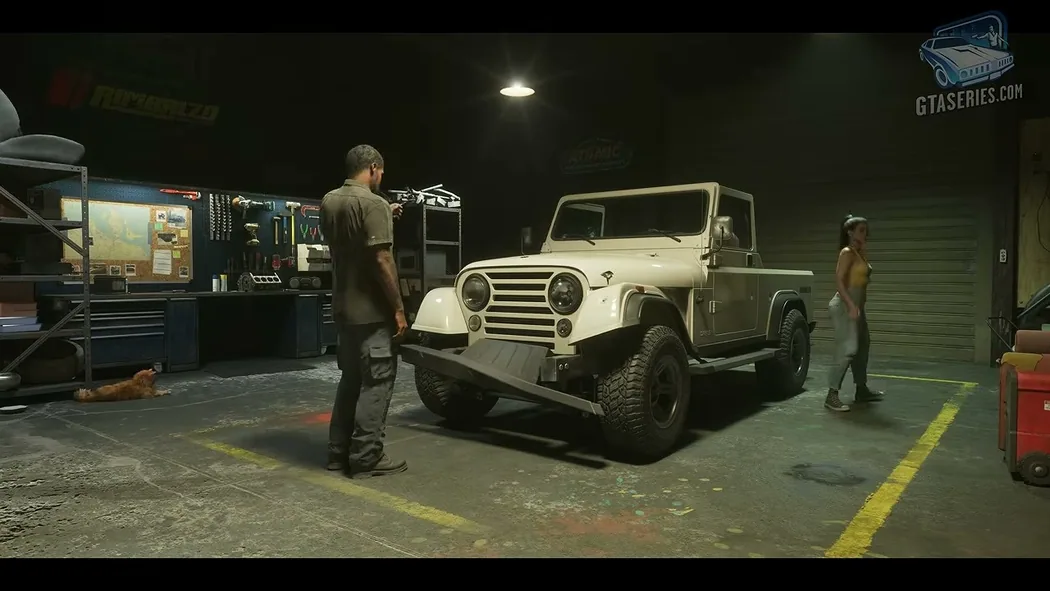
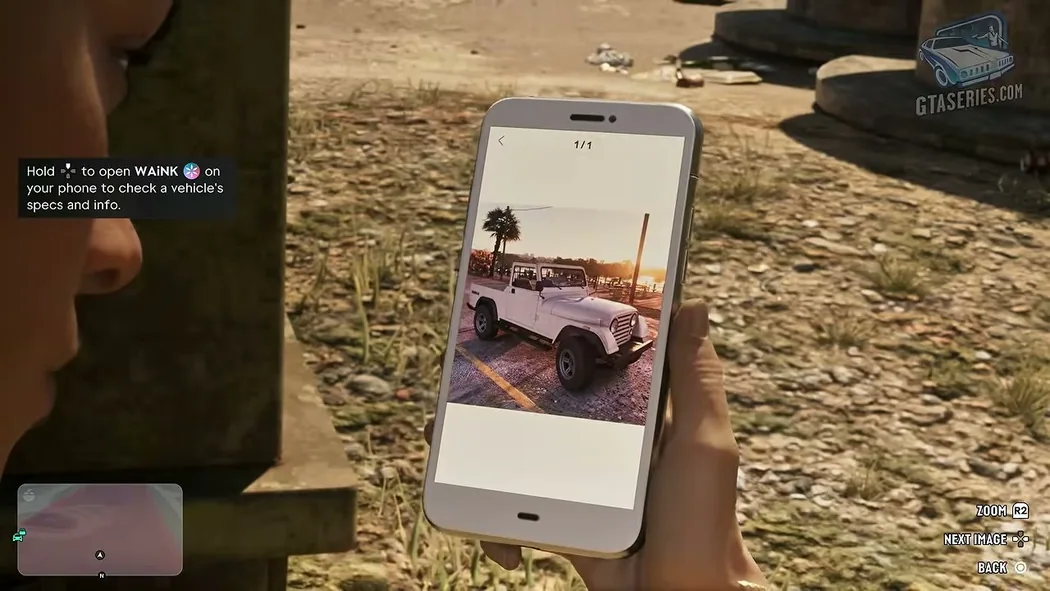
After the introductory job at Moses’ garage, wait for his message about an ’82 Canis Crawler. Open the attached photo before entering the pink search area. It shows a white two-door vehicle with an upright windshield, round headlights and an open rear bed. The mission is looking for the particular vehicle in that yard, so use the reference even if another white truck catches your eye.
Look beside the concrete pipes
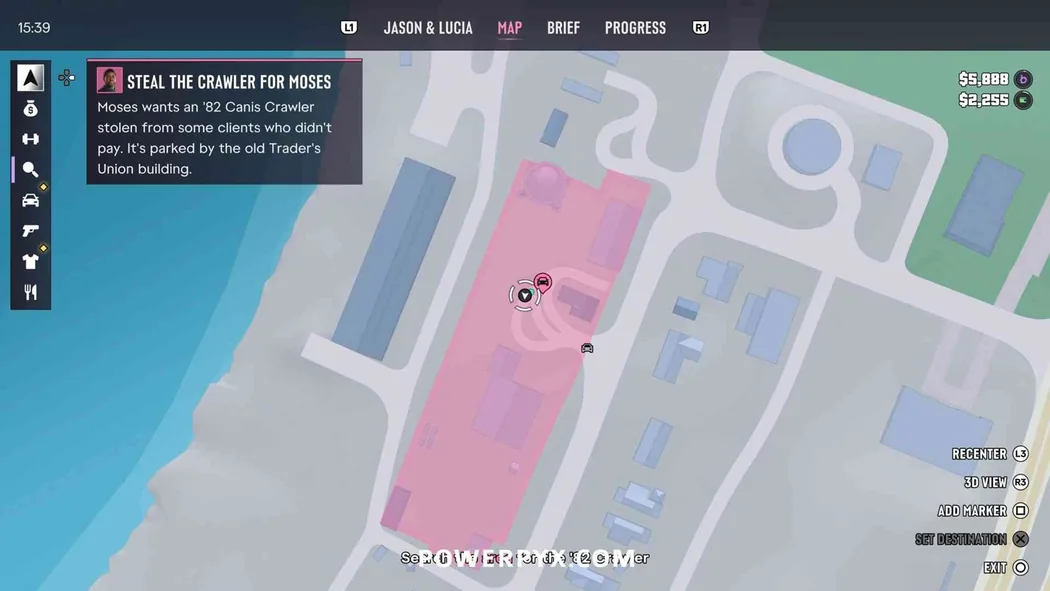
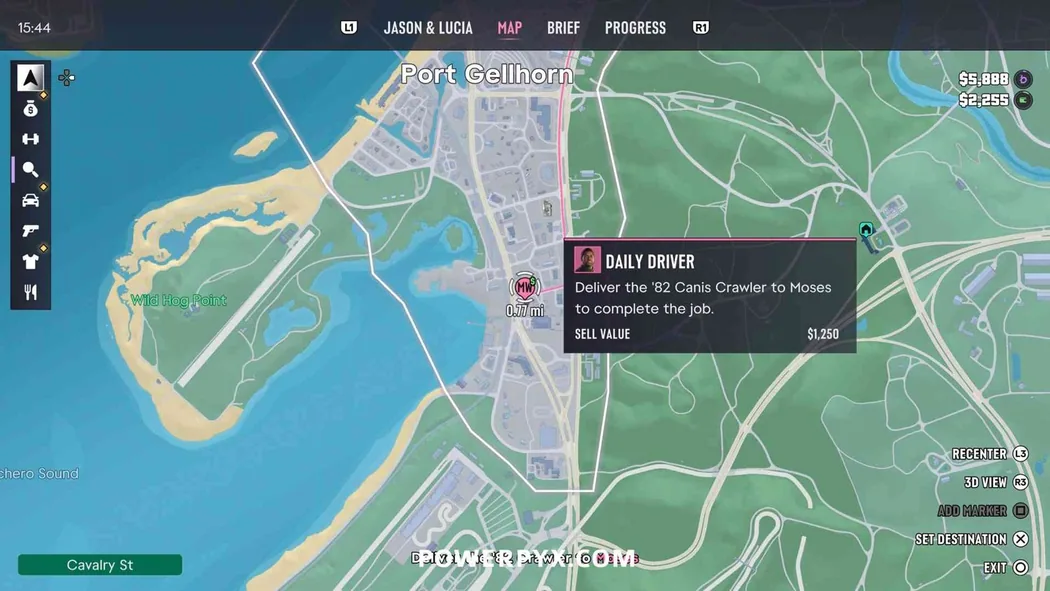
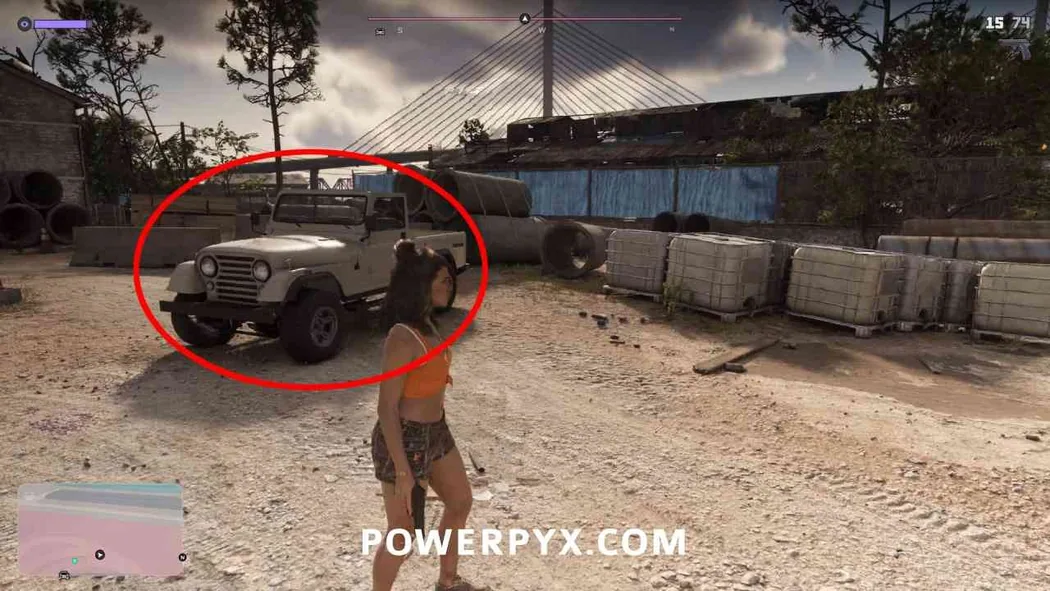
Go to the middle of the highlighted yard in Port Gellhorn. In the recorded search, the Crawler is parked beside large gray concrete pipes and square containers, with a blue wall behind them and a bridge tower visible above it. Get into that Crawler and follow the delivery objective back to Moses’ workshop. Drive it inside for the handover scene.
Read the actual BuckMe notification
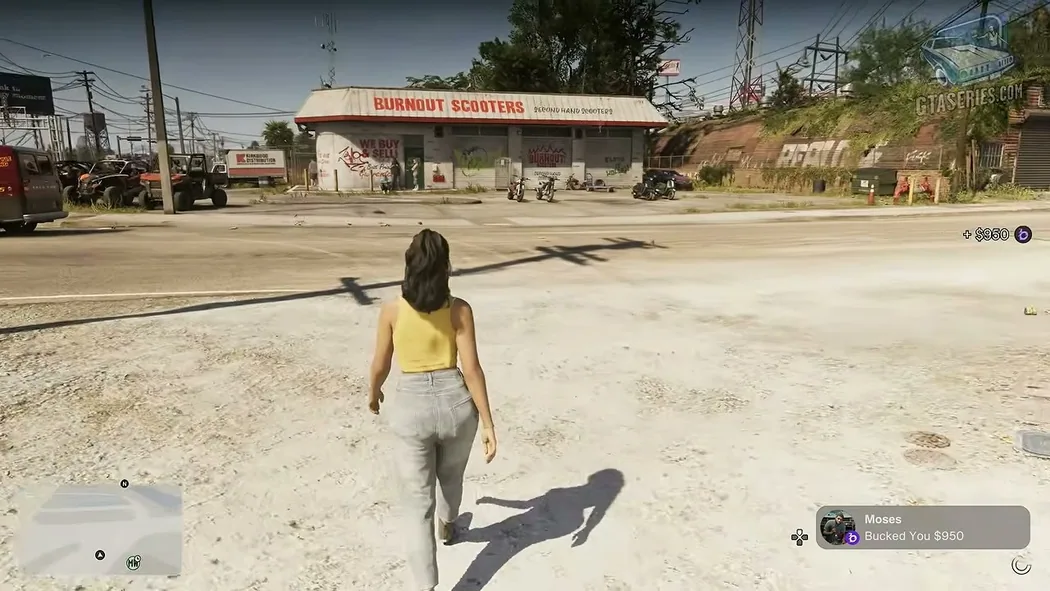
The amount can differ between runs. PowerPyx lists $1,250 and a $500 good-condition bonus. In GTA Series Videos’ playthrough the car arrives with a bent bumper, and at 3:54 the on-screen message from Moses shows a $950 BuckMe transfer. The footage confirms that one payment. After your delivery, check Moses’ notification to see what your own run earned.